
What Is a Scott County Court Docket
A docket is a chronological list of case activity. Each entry marks one event, such as a filing, a motion, a hearing, or an order. Read top to bottom, a Scott County court docket shows how a case moved from its opening to its outcome. The docket does not carry the full text of every paper. It dates those papers and points to them. Clerks add to the docket as new events occur, so an active case grows a longer docket over time.
A docket is not the same as the full case record. The full file holds the complete documents: the complaint, the answers, the motions, the exhibits, and the signed orders. The docket is the index to that file. In Scott County, the Circuit Clerk keeps Circuit Court case papers, while the Chancery Clerk keeps divorce, estate, and equity files. Justice Court keeps its own citation and ticket records. A docket entry tells you a motion was filed. The case file holds the motion itself.
Why does the docket matter? It is the fastest way to confirm a hearing, a deadline, or whether a judge has ruled. For many searches, the docket answers the question without the full file.
How to Find Scott County Court Dockets Online
Mississippi runs a statewide e-filing and case-management system called Mississippi Electronic Courts, or MEC. Scott County trial courts feed cases into MEC, and a related portal named PAMEC handles registration and online payments. Remote public viewing of dockets is account and subscription based, so a free open search is limited. Official MEC pages were blocked during research, which means the exact docket field details must be confirmed on the live portal. The system is still the main online route for trial-court dockets.
- Open the Mississippi Electronic Courts gateway and read the public access and registration notes.
- Set up or sign in to a PAMEC account, since remote docket viewing is tied to a registered login.
- Choose the court that holds the case, such as the Circuit Court or the Chancery Court.
- Search by case number or party name, then open the matching case.
- Read the docket entries in date order to track filings, hearings, and orders.
When the online system stalls, the courthouse in Forest is the local backup. Public terminals and clerk staff can pull a docket on site. The Circuit Clerk holds Circuit Court cases, and the Chancery Clerk holds divorce, estate, and equity matters. Each clerk can confirm a case number and read the current docket entries during office hours. Bring a name or a case number to speed the search.
Sample Scott County Docket Entry Fields
Every line on a docket carries a few standard pieces of data. Together they tell you what happened, when it happened, and who caused it. One entry rarely shows the whole story, but a full column of entries does. The fields below appear on most Scott County trial-court dockets, though the live portal controls the exact layout.
| Field | What It Shows |
|---|---|
| Case Number | The unique court ID that ties every entry to one file. |
| Entry Date | The date the clerk recorded the filing or court event. |
| Party Names | The plaintiff or petitioner and the defendant or respondent. |
| Event or Filing Type | What the entry is: a motion, a notice, an order, or a continuance. |
| Hearing Date | The set date for an upcoming court appearance or trial. |
| Disposition | The outcome of a motion or of the case once it is decided. |
Each entry also carries a status. The status tells you whether a case is still moving or already closed. These values show up across Circuit, Chancery, and Justice Court dockets, though the wording can shift from one court to the next.
- Open or pending: the case is active and still on the calendar.
- Closed or disposed: the court has entered a final ruling.
- Dismissed: the court ended the case without a conviction or judgment.
- Continued: a hearing has moved to a later date.
- Warrant issued: a bench warrant or capias is outstanding, often after a missed date.
- Paid or payment plan: a Justice Court fine is settled or on a schedule.
Courts That Publish Dockets in Scott County
Scott County does not run all of its dockets through one court. The county sits in Circuit Court District 8 and the Second Chancery District, and each court keeps its own calendar. Some feed the statewide system. Others rely on the clerk or a local pay portal. The official Scott County courts page routes each case type to the right office. Felony and general civil cases move through the Circuit Court, the county's main jury-trial court.
- Circuit Court District 8 covers felony criminal cases, larger civil suits, and appeals from lower courts, with jury trials at 100 E 1st St in Forest.
- Chancery Court in the Second District handles divorce, custody, estates, and land matters, and it began mandatory e-filing in 2010.
- Justice Court hears traffic, DUI, and county ordinance cases plus initial felony appearances, and its fines route through an online pay vendor.
- Youth Court handles delinquency and abuse or neglect cases, and those dockets stay confidential.
The appeals path shapes where a docket lives over time. Circuit Court hears appeals from Justice and Municipal courts, so a single matter can leave a docket trail in more than one court. A traffic case might start in Justice Court and move up on appeal. Chancery matters appeal through the state appellate courts. When a case crosses courts, check each court's docket to follow the full history.
Justice Court Citations on the Scott County Docket
Justice Court handles the high-volume side of the county's docket. It hears traffic tickets from the Mississippi Highway Patrol and the Scott County Sheriff's Department, DUI cases, ordinance violations, and the first appearance in felony matters. Justice Court judges hold jail sessions three times a week, and the jail runs video court for first appearances, arraignments, and bond hearings. Fines and citations are paid through nCourt rather than through MEC.
The county's Justice Court payment workflow runs through the official nCourt payment page, shown below.
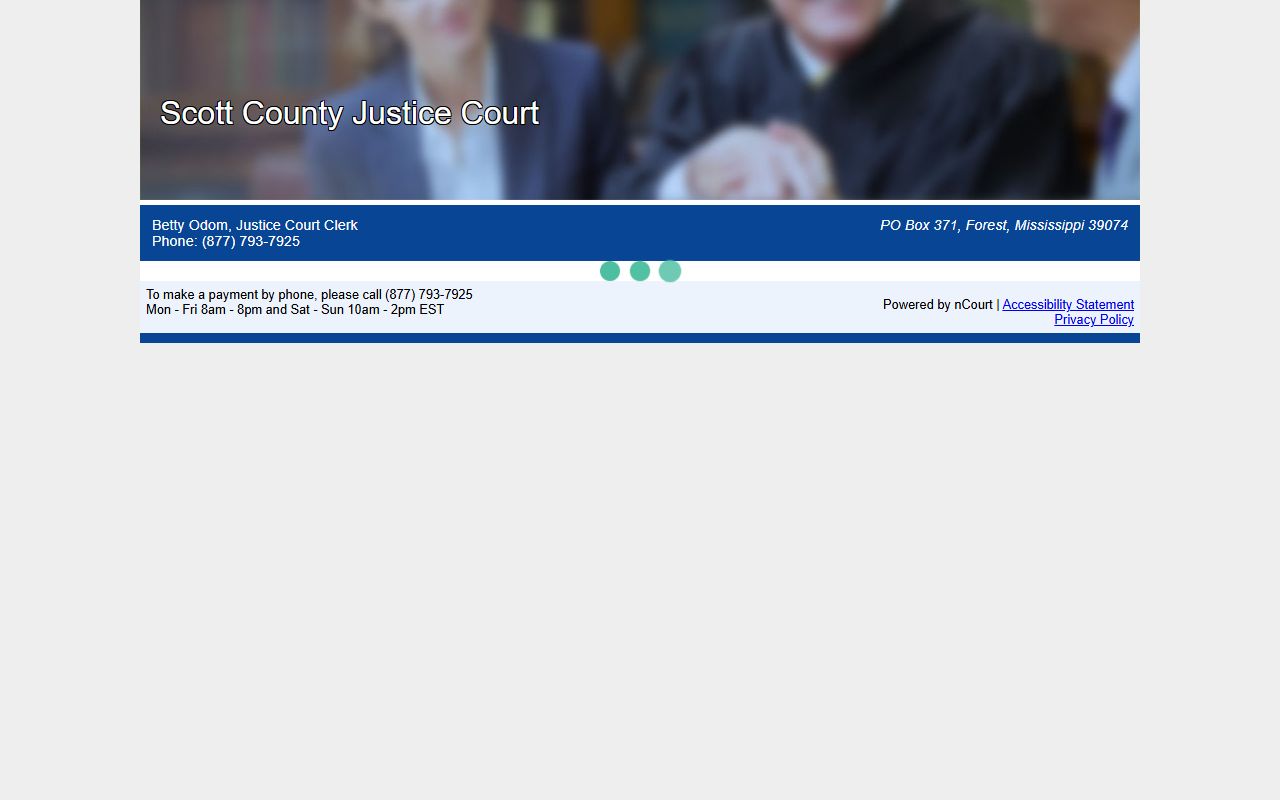
The nCourt screen references a Citation Number and status options such as Pay Citation, Need help looking up citation, Ticket not in system, and No Record Found. A No Record Found result can mean a citation issued under seven to ten days ago has not posted yet. Citation status and ticket dockets are covered more fully in the Scott County traffic court records.
Scott County Docket vs the Full Case File
It helps to separate the docket from the file it indexes. The docket is quick to scan and often free to view in summary form. The full case record holds the actual documents and may carry a copy fee or call for a clerk visit. One tracks the case. The other proves what was filed and decided.
The two work together. A reader checks the docket to learn that an order was signed on a given date, then pulls the order itself from the case file to read what it says. A docket cannot tell you the terms of a judgment, the reasoning in a ruling, or the exact wording of a sentence. For those details, you need the underlying papers from the Circuit Clerk, the Chancery Clerk, or the court that holds the case.
| Docket | Full Case Record | |
|---|---|---|
| Format | List of entries | Full documents |
| Access | Often online in summary form | May require fee or visit |
| Use | Track case progress | Legal review, evidence |
How to Read a Scott County Court Docket
Docket entries lean on legal shorthand. A few core terms unlock most of what a Scott County docket is telling you. The glossary below covers the words that show up most often on a case calendar.
- Docket
- The chronological list of case activity.
- Disposition
- The final outcome, such as dismissed, guilty, or judgment entered.
- Motion
- A written request asking the judge to act.
- Order
- The judge's written ruling.
- Continuance
- A postponement of a hearing or trial.
- Capias
- A warrant-like order to take a person into custody, often after a failure to appear.
Note: Docket abbreviations can vary by court and clerk, so confirm any unclear entry with the office that holds the case file.
When Scott County Dockets Are Not Online
Not every docket sits in a database. Older or non-digitized cases, sealed matters, and some lower-court files call for a different route. The county public-records process is the universal fallback for records that are not posted online.
A written public-records request lets you inspect a docket or order copies. Scott County charges $0.50 per page and $20 per hour for staff search time. The county aims to respond within seven business days or explain the delay, with production generally inside fourteen business days. For an active case, a courthouse or clerk terminal is the free local option. Youth Court dockets stay closed to the public no matter which route you try.
Mark the request clearly and send it to the office that holds the record. Older Circuit Court files predate the electronic system, so the Circuit Clerk may need to pull a paper docket by hand. Chancery cases filed before 2010 sit outside the e-filing era as well. The county notes that staff can charge for search time even when no record turns up, so confirm the case exists before you request copies. A quick call to the clerk often settles the question first.